Case Study: Work Intake Form
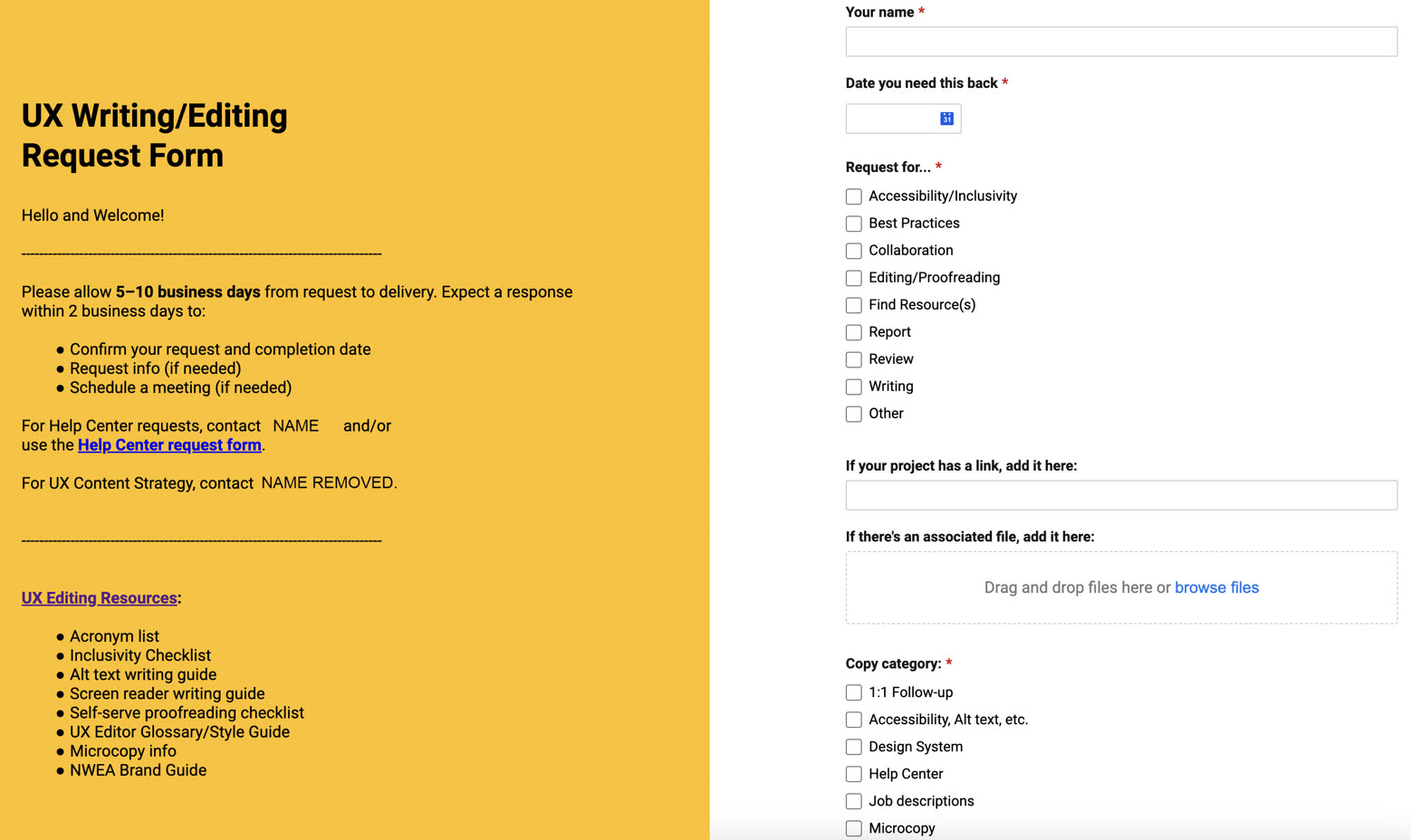
Writing/editing request form created with Smartsheet
Overview
We wanted to make it easier to track work requests provided to one editor from a department of over 50 people, while also raising visibility of the scope of work editing was able to provide. I used Smartsheet to generate a form that automatically populated a spreadsheet. Upon completion and approval, I added a link to the form to my email footer and to our Confluence site.
| Request | Create way to track, accept, or deny work requests |
| My Roles | Writer, Designer |
| Timeline | 1 week |
| Result | Adoption |
Process
- Create form using Smartsheet
- Survey team for FAQs
- Write/add team FAQs
- Request testing (3 UX designers, 1 UX writer, 1 manager)
- Revise, finalize
- Link form to internal site
- Link form to email footer
- Email form link to team
- Add link to form on internal UX Editor Confluence homepage
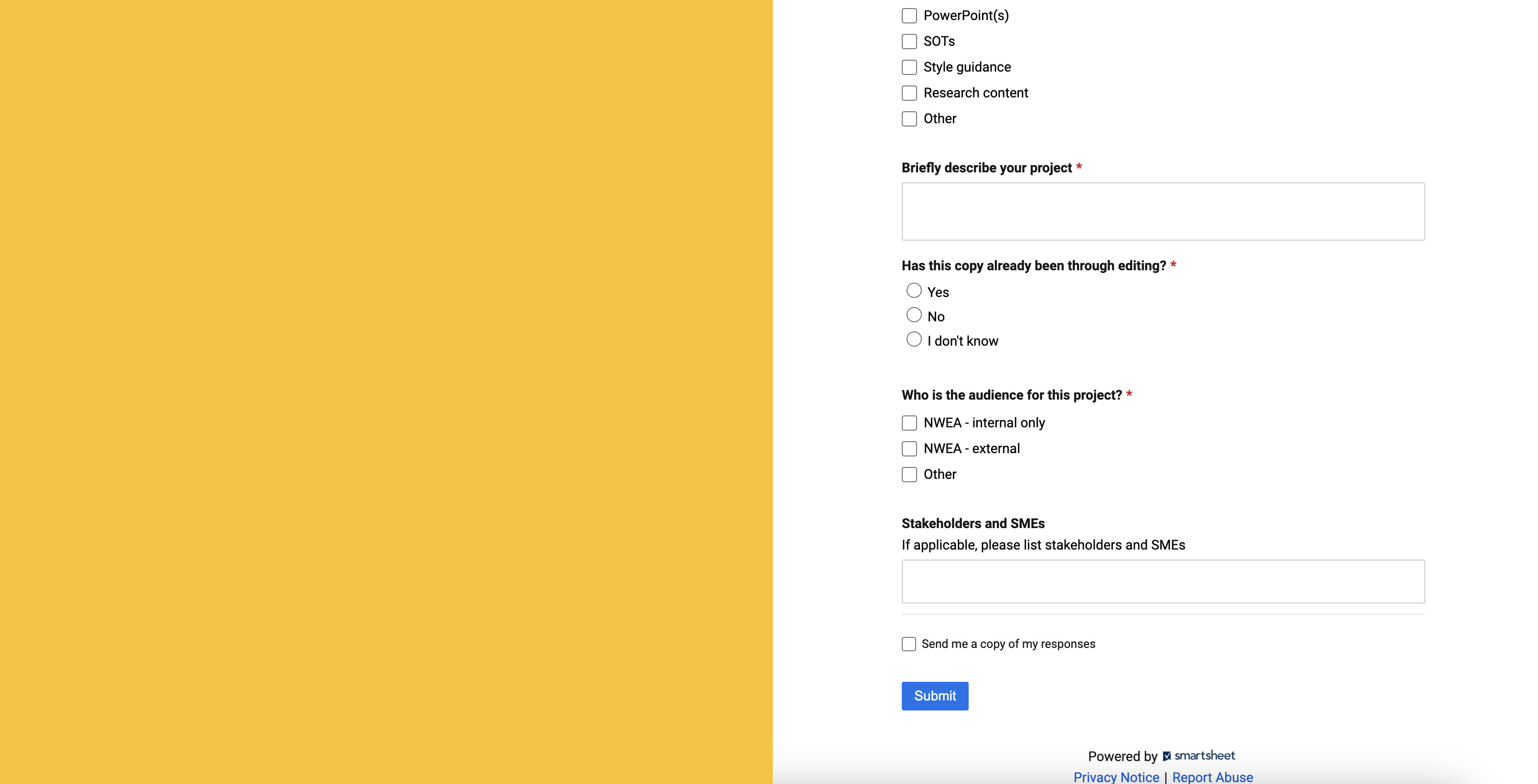
Second page of UX Writing/Editing Work Intake form
 Joanna Hofer