Case Study
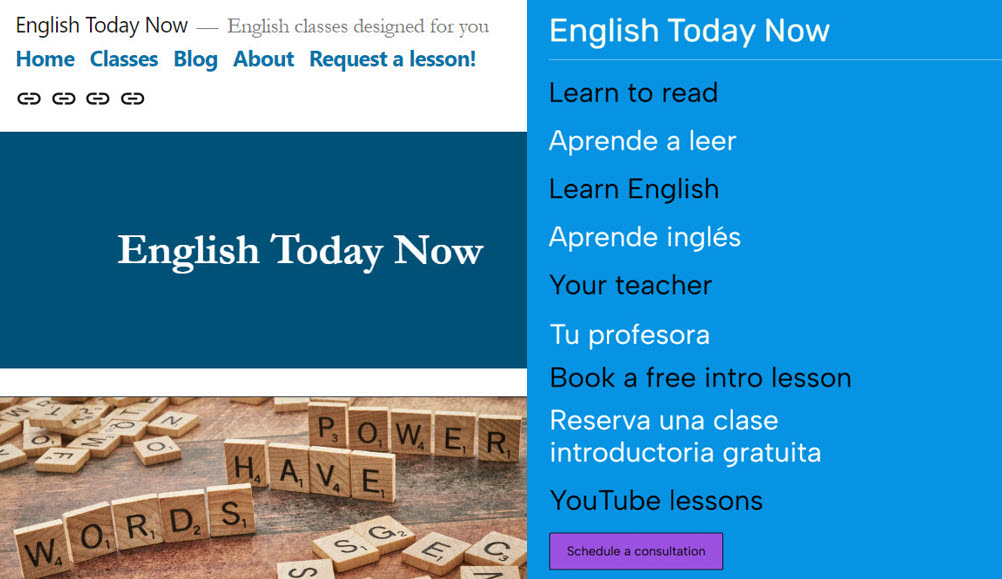
First and second iterations of English Today Now website
Students are advancing to higher grades and graduating without sufficient reading skills and, in some cases, fluency in English. English Today Now, LLC, a tutoring business for English language literacy and acquisition, was formed to serve these students and their families.
To reach students and explain business offerings, a website was needed. The first iteration produced too much friction for the user; it contained too much information and was too complicated; plus it was only written in English. The target demographic couldn’t find the information they needed. To address this, I removed pages, simplified the site’s language, provided a sign-up form, and translated key pages into Spanish.
| Request | Reduce conversion friction for new students |
| My roles | Project Manager, Content Creator, Writer, Editor, Translator, Web Designer |
| Timeline | 3 months for first iteration; 1 week for redesign |
| Result | Web presence with sign-up form aligned to business cards |
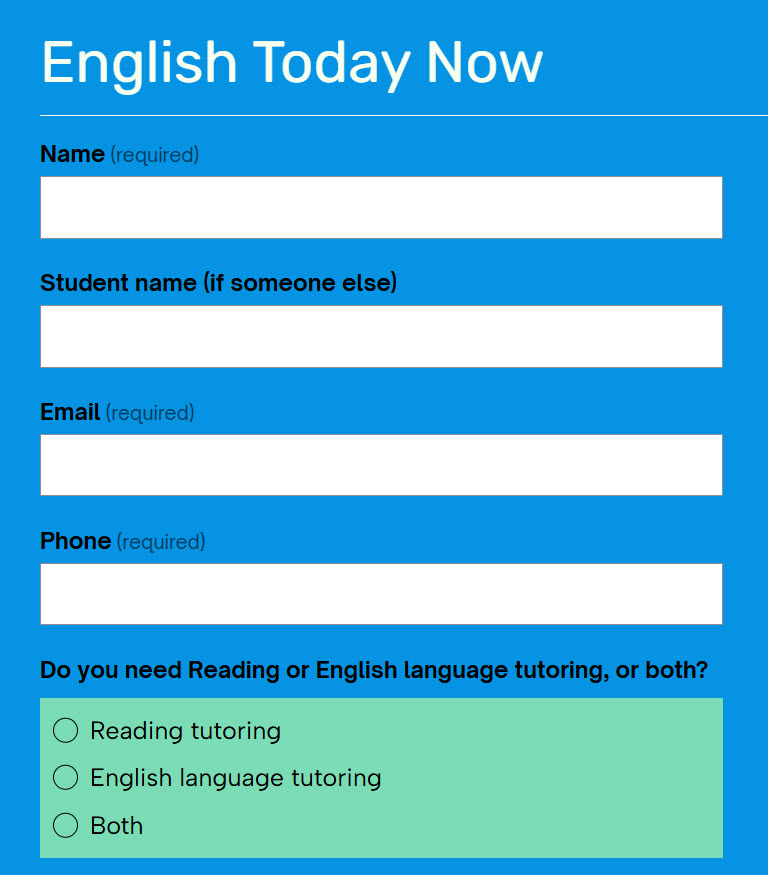
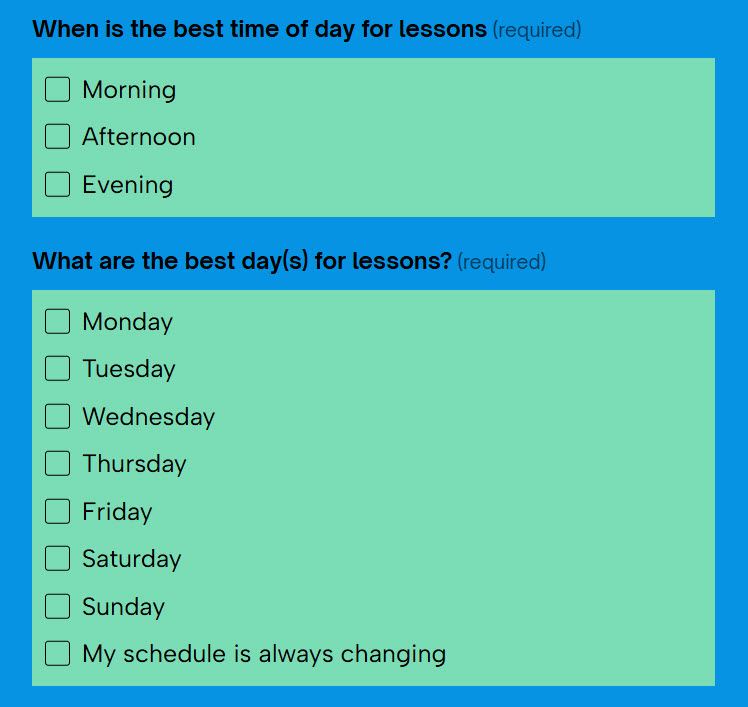
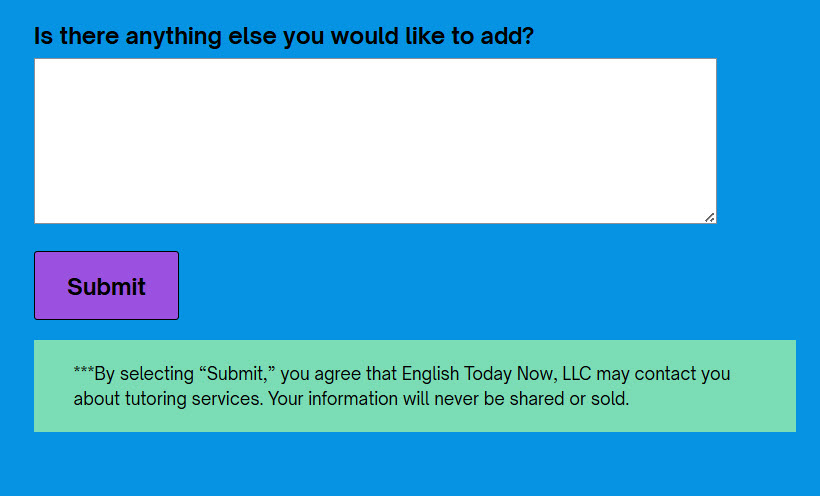
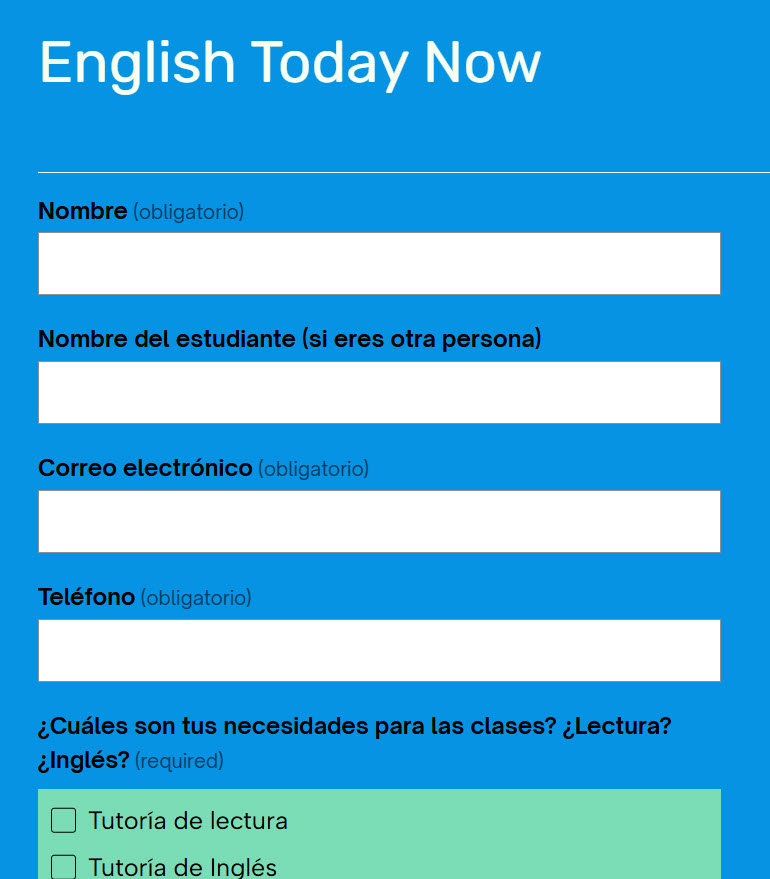
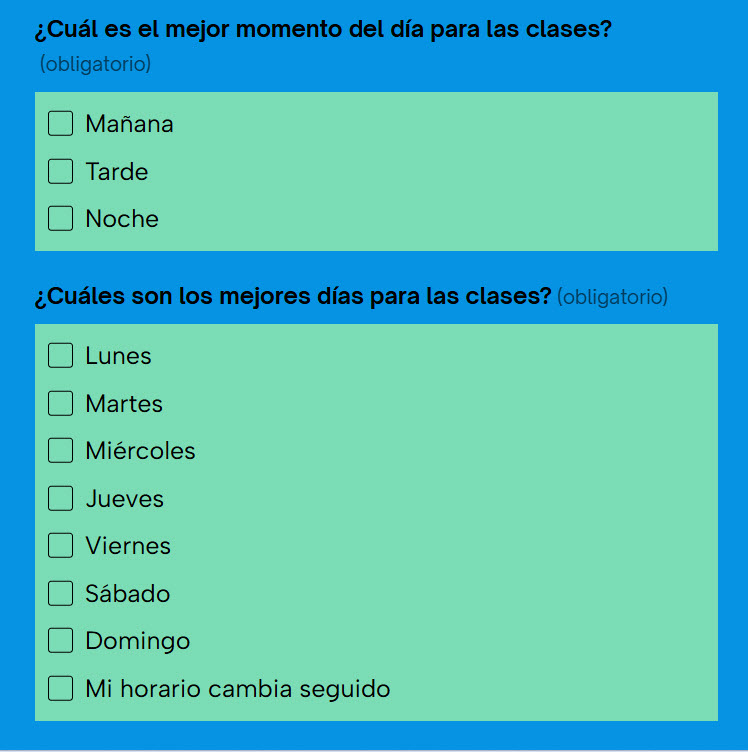
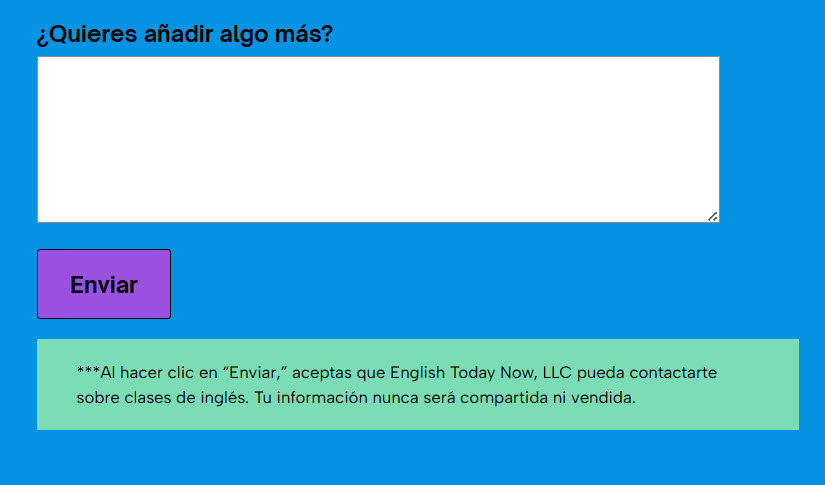
The screen images below show the new student sign-up form in both English and Spanish.
Process
- Determine the major elements of the website
- Choose a WordPress template
- Purchase the domain name
- Purchase WordPress package to remove ads from the site
- Obtain a gmail address and VOIP telephone number
- Design and order business cards
- Decide on curricula
- Decide how payments would be accepted
- Anticipate student questions
- Write first drafts of all pages
- Decide on any graphics
- Write alt text where needed
- Add buttons where needed
- Translate homepage into Spanish
- Request 3 Spanish native speakers to review Spanish copy
- Revise Spanish copy
- Inspect site appearance on iPhone
- Look for ways to make content clearer and more concise
- Continue to iterate until satisfied with copy
- Request review from my group of UX designer friends
- Revise based on feedback
Revision Process
- Identify and address significant areas of friction
- Identify need for and add literacy tutoring
- Simplify the landing page; remove images
- Remove child pages because they offered too much detail
- Translate key pages into Spanish
- Incorporate Spanish headings into the landing page
- Add a link to an English/Spanish sign-up form to the landing page
- Revise copy
- Add more detail about the tutor’s education; include images of diplomas and TESOL certification
- Add buttons leading users to the sign-up form wherever useful
 Joanna Hofer